
RAMPER Cricket
Ball-by-ball cricket scoring
Score any game ball by ball, from a Test to the backyard, even with no signal. Share a RAMPER Code and others follow live on their phone or the web.

Free for iPhone and iPad.
No account needed.
Available in New Zealand and Australia.
Every format
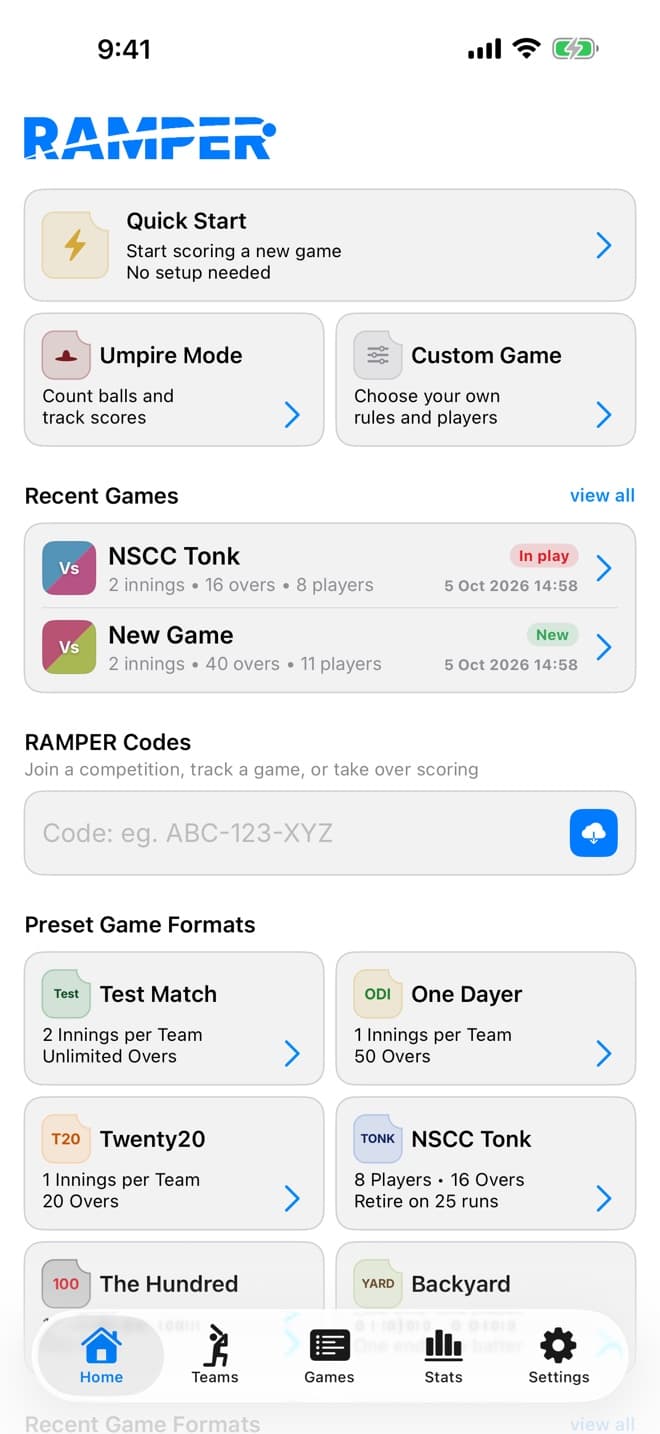
Pick a preset and start scoring, or set the game up your way.
- TestTwo innings a side
- ODI50 overs
- T2020 overs
- The Hundred100 balls
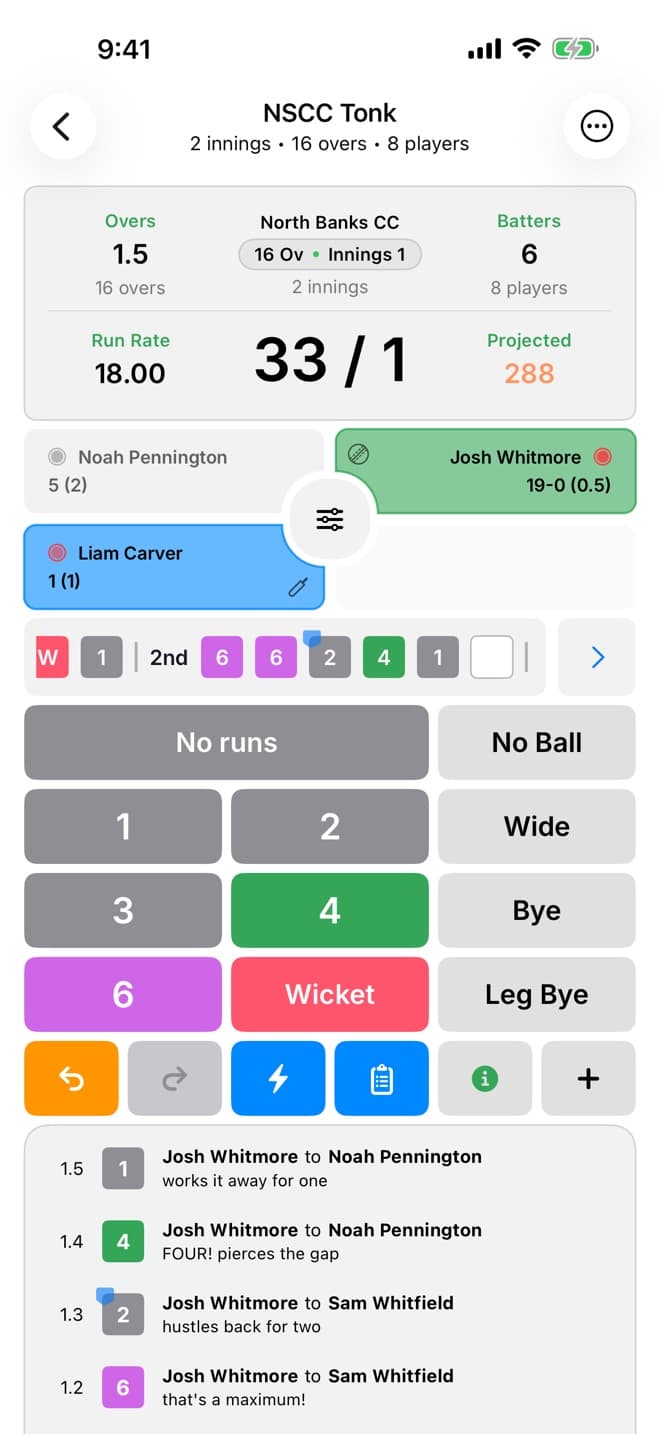
- TonkOne end, retire at the max
- BackyardOne end, one batter
Two ends or one
On a one-ended pitch a single bowler carries on and the strike stays put at the end of the over.
Two batters or one
Backyard games can run with a lone batter, and the last man can stand alone when the side runs out.
Your own format
Set players, overs, innings and wickets, then save it as a template for next week.
Scoring that keeps up
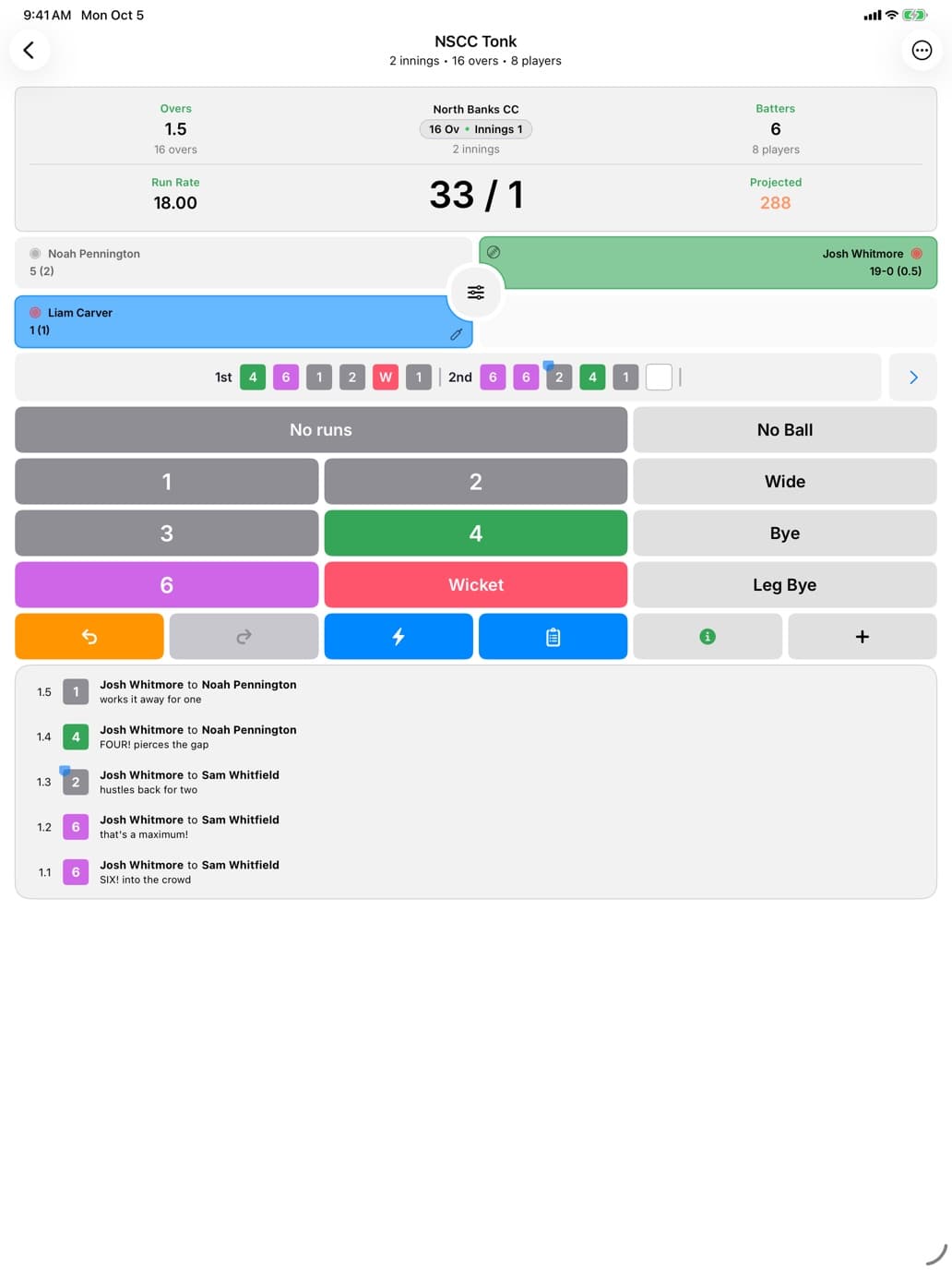
- A few taps a ball. Runs, extras, wickets and dismissals.
- Retirements done properly. Retired not out, retired out and batters who come back, including Tonk’s retire-at-the-max rule.
- Undo everything, right back to the toss, and edit a past ball when the scorer gets one wrong.
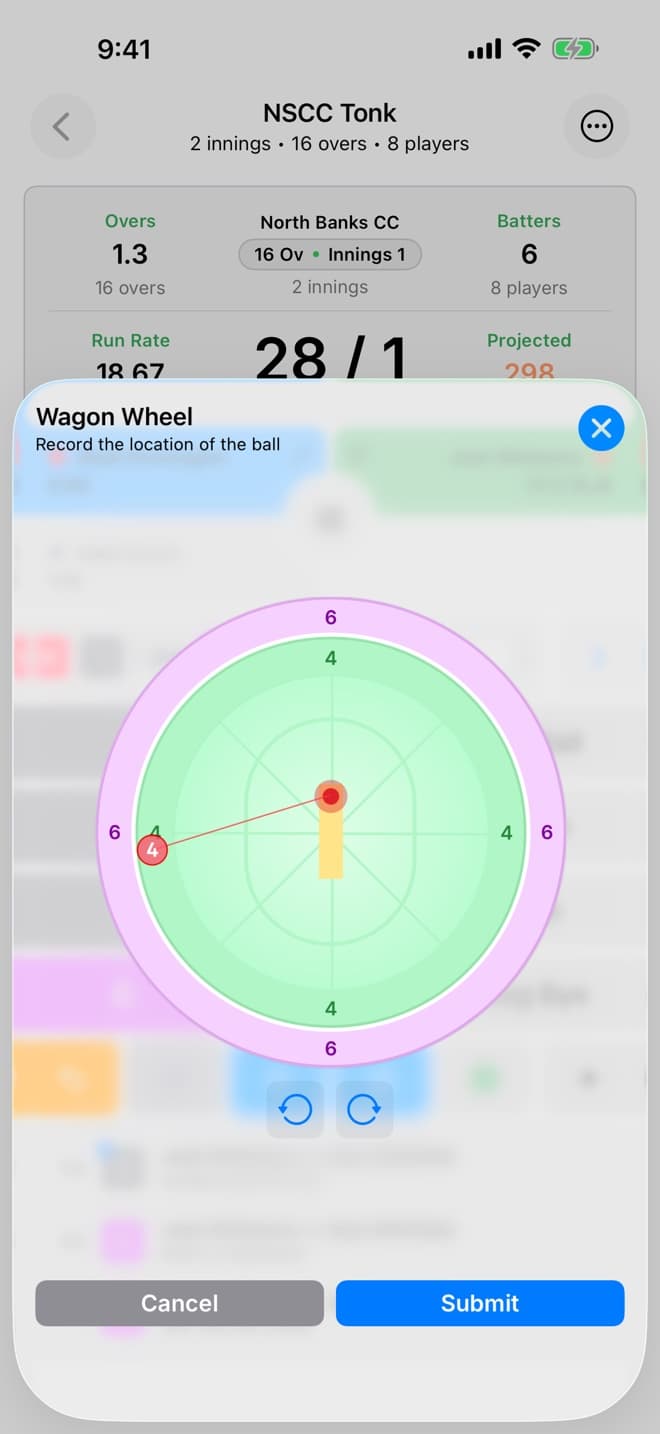
- Wagon wheel for every scoring shot, with off and leg set by each batter’s handedness.
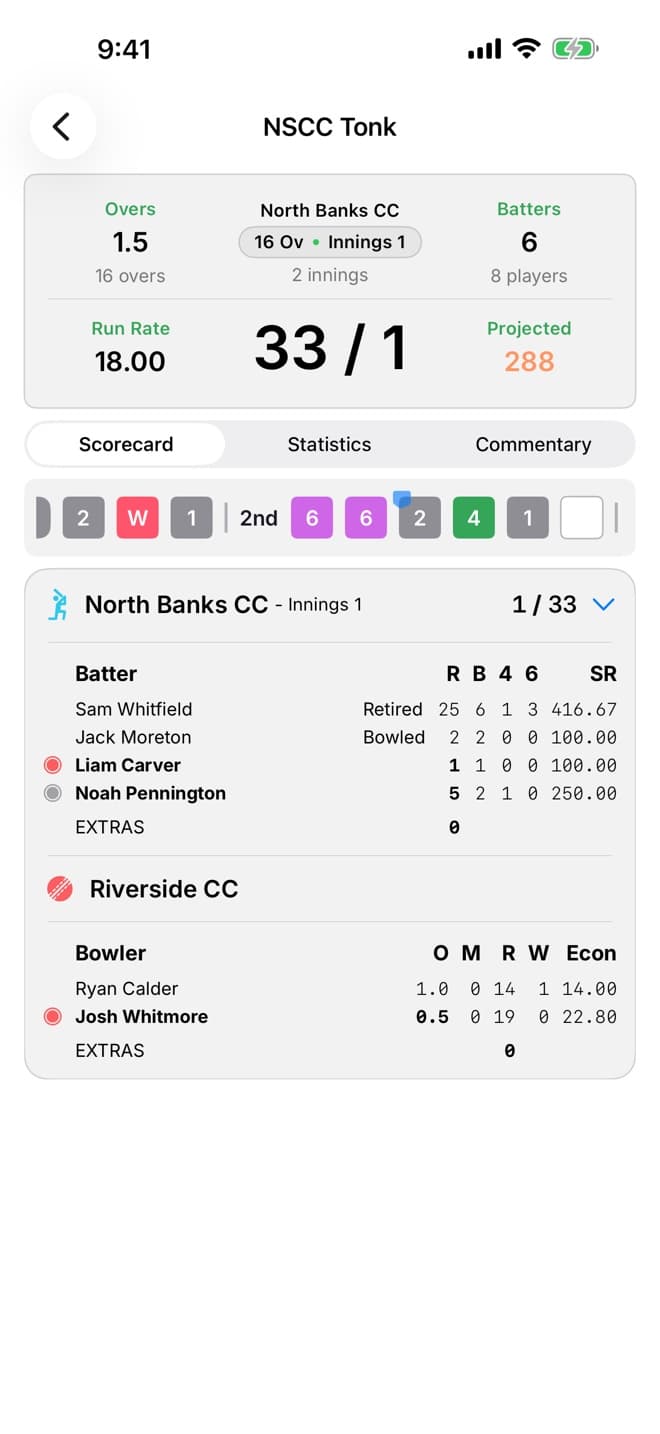
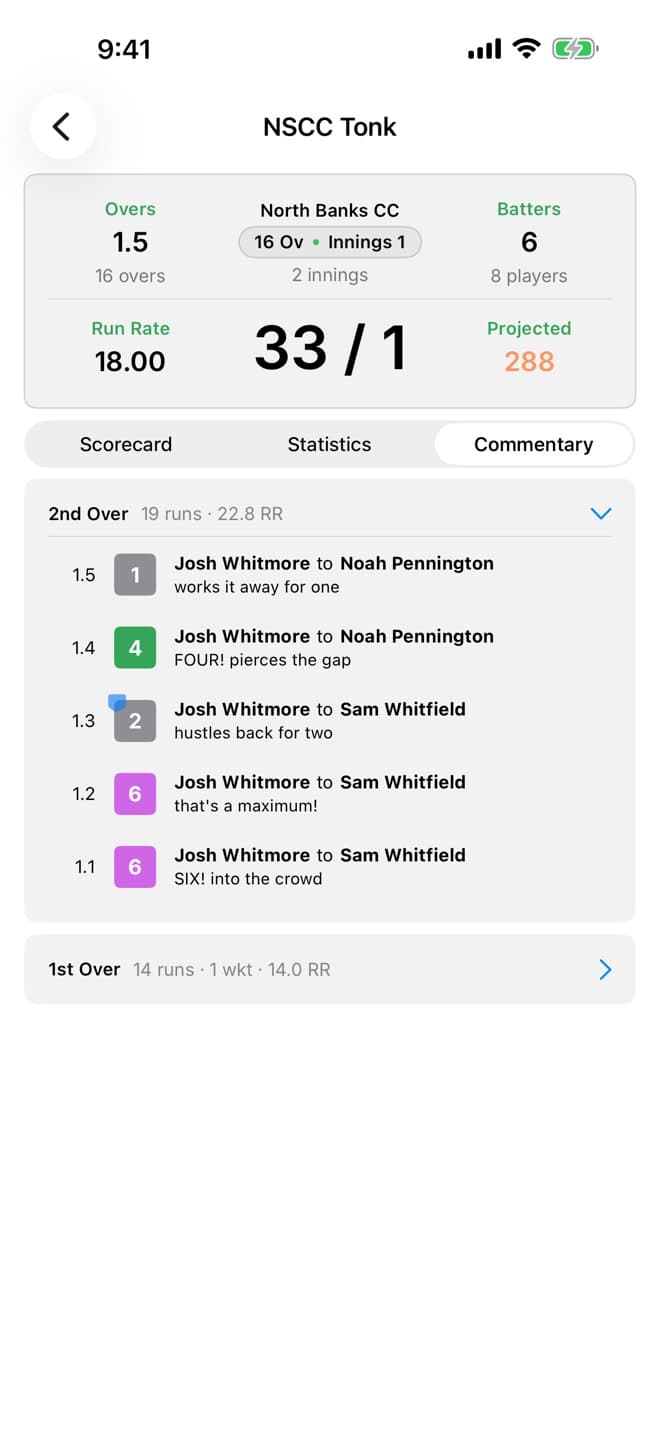
- Scorecards as you go. Batting and bowling figures, run rate, target and balls remaining.
Share the game live
Every game gets short RAMPER Codes. Send one by message and choose what the other person can do.
- View Game
- Watch the score update live.
- Score Game
- Take over the scoring on another phone. The current scorer approves the handover.
- Game Admin
- Manage the game and its codes.
No app? Followers can watch on the web scoreboard: go to ramper360.com and enter the View Game code.
No signal at the ground? Keep scoring. Every ball saves on your phone and syncs when you’re back online.
Built for clubs
Keep rosters with team logos and player portraits, follow each player’s batting and bowling across their games, and run competitions with teams and fixtures. If your club runs on clubOS, link your teams and competitions to it with a code.
Made for iPad too
The same scorer on a bigger screen, for the scorer’s table or a seat on the boundary. Your games and codes work the same way.
Score your next game
Free for iPhone and iPad. No account needed. Available in New Zealand and Australia.